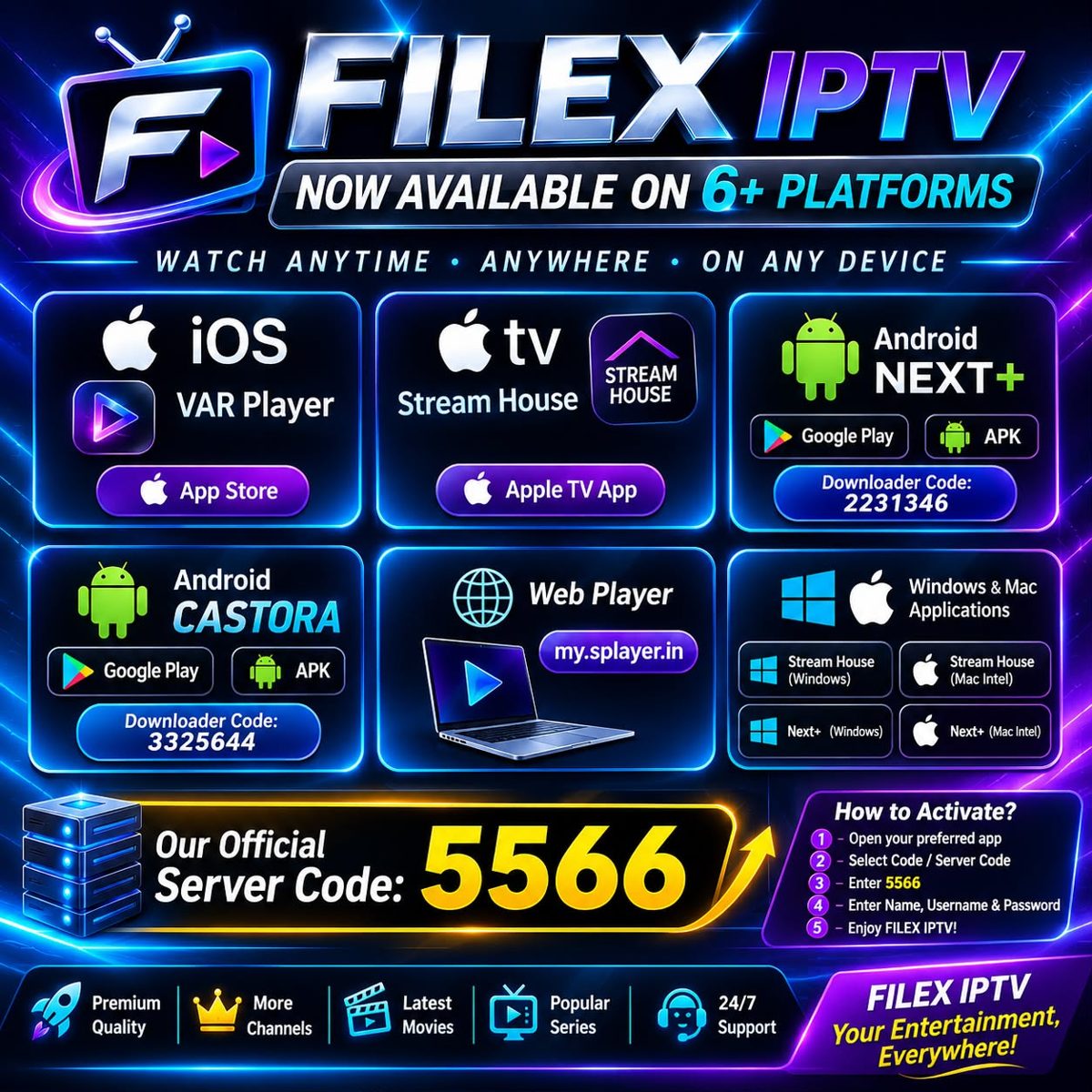
FILEX IPTV App Store
Now available on 6+ platforms. Watch anytime, anywhere, on any device — install your favourite app, enter the server code and enjoy FILEX IPTV.
All Apps
Tap any app for details, download links and activation codes.
No app matches your search. Try another name — e.g. NEXT+, VAR Player or Smart TV.
Our Official Server Code
After installing any app, select Code / Server Code and enter this code, then add your Name, Username & Password.
📺 Samsung & LG Smart TV
0player is the recommended app for Samsung (Tizen) and LG (webOS) Smart TVs.
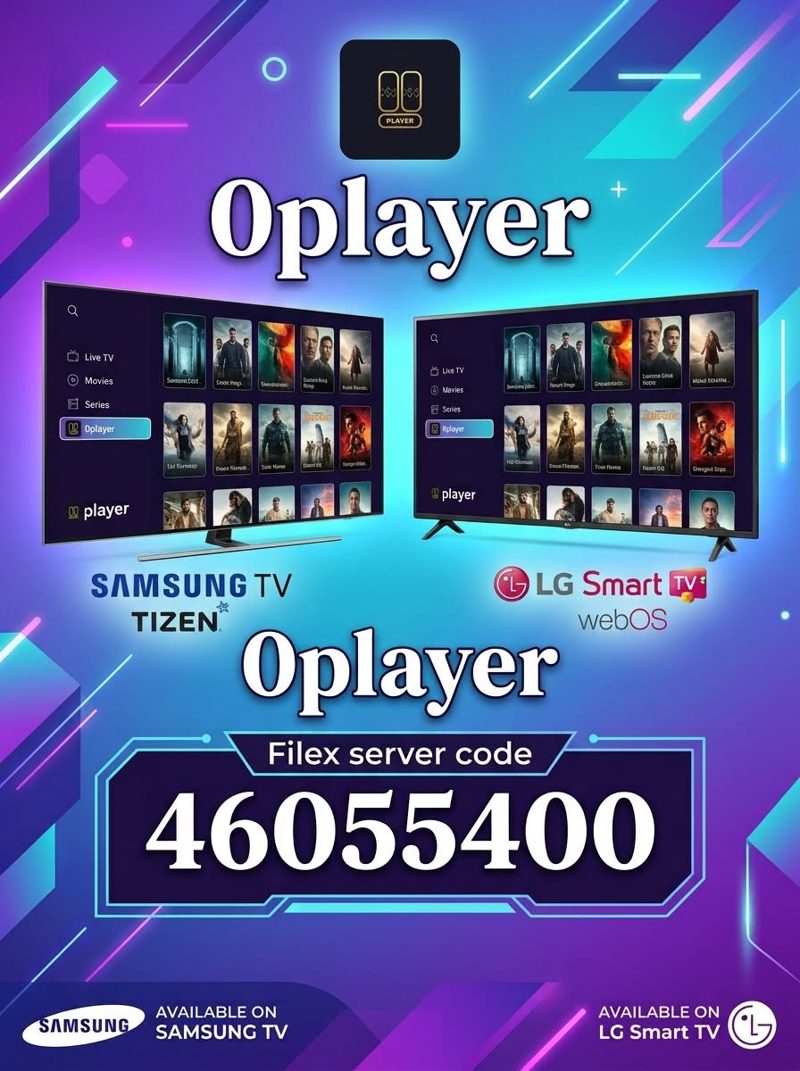
0player — Filex Server Code
Install 0player from your Samsung or LG TV app store, then enter the Filex server code below. This code is only for Samsung TV and LG TV.
How to Activate?
Five quick steps — done in under a minute.
Open your preferred app
Select Code / Server Code
Enter 5566
Enter Name, Username & Password
Enjoy FILEX IPTV!